Вотцап и телеграмм ==>
+7 910 854 71 24
You can't pay? Make a transfer to Payeer in two clicks.
Step-by-step instruction

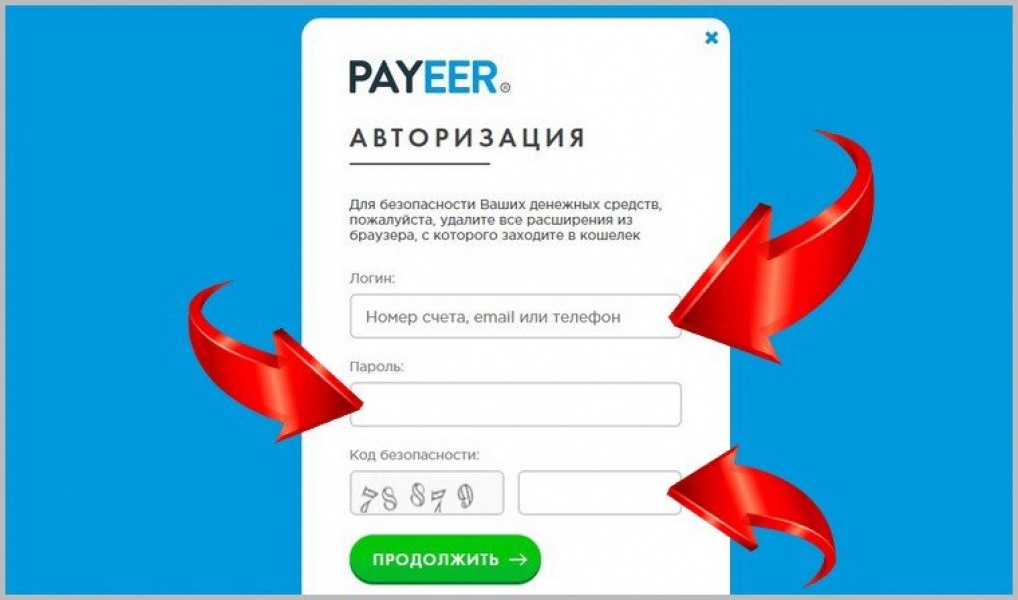
Money transfer from Payeer to Payeer is made through an account on the payment system website. To login in to your account, on the main page of the web resource payeer.com click the "Login" button.


Warning! If you know how to transfer money to Payeer, make a transfer by this number

   ==>  P1025527570  (in Payeer transfer is made by purse number)


After the transfer, be sure to email our support team  mihstroy@mail.ru   or  Telegram  @mihstroy  from the date of payment and your email to which to send access to the lessons.

If you have never translated to Payeer, then read on.
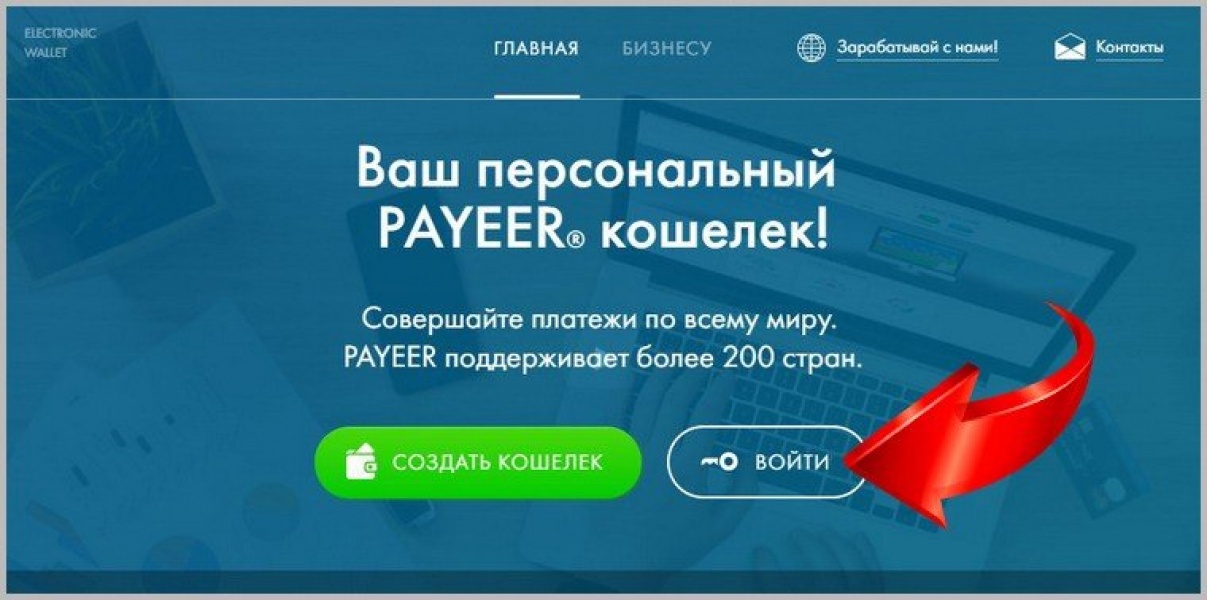

This will open a form of authorization in the system. Cells are filled in here, where you need to specify the e-mail through which the registration took place, and the password from the purse. Instead of an electronic box, you can use a cell phone linked to the system or immediately enter your wallet account number. Also unravel the capsule and click on the button "Continue".


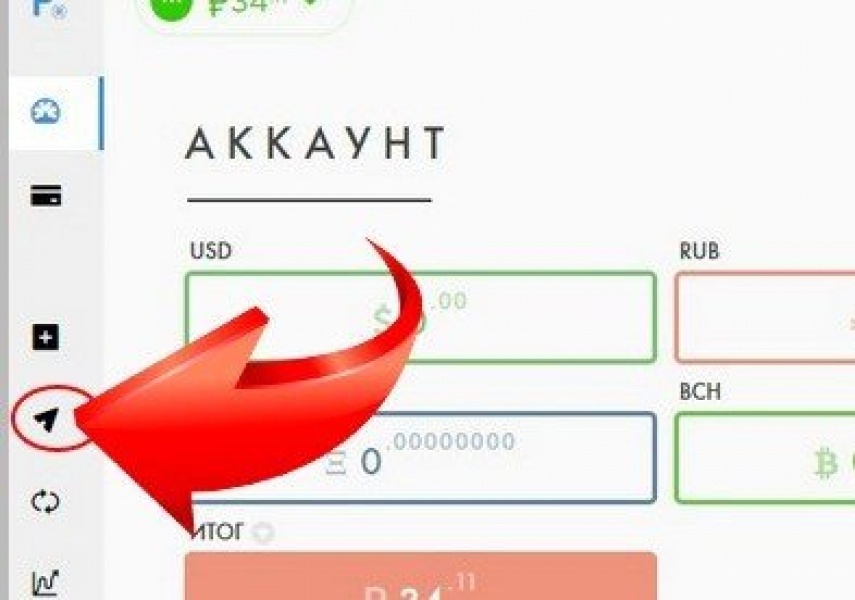
When the user gets to his account, the navigation bar with the default main menu items is hidden from the left edge of the page. To open the translation form, click the arrow button on the panel.

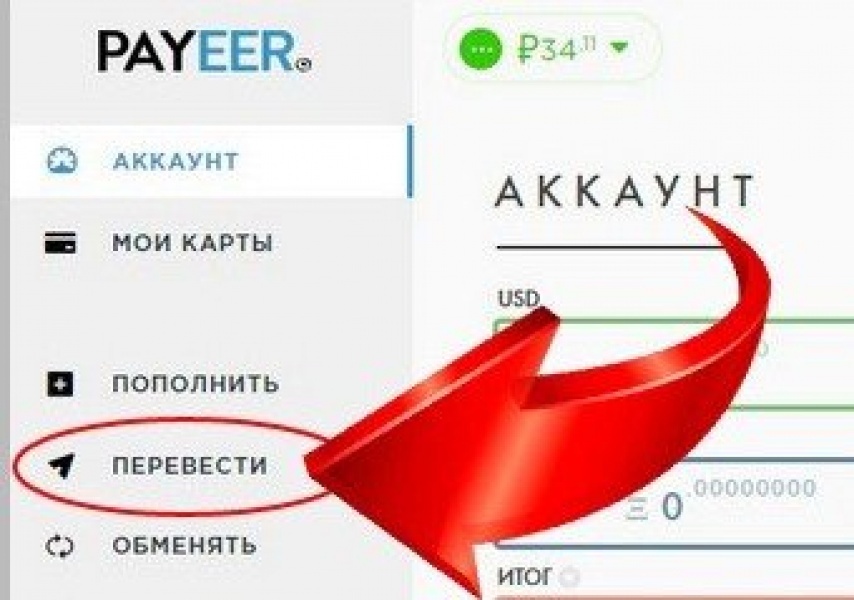
If it is inconvenient to use the hidden menu, it is not difficult to expand it. To do this, press the "Ctrl" key on your keyboard and simultaneously rotate the mouse wheel. Then all the navigation points will open, they will be signed, and it will be easier to move through them. To go to the page with the form of sending money, click on the "Translate" link.


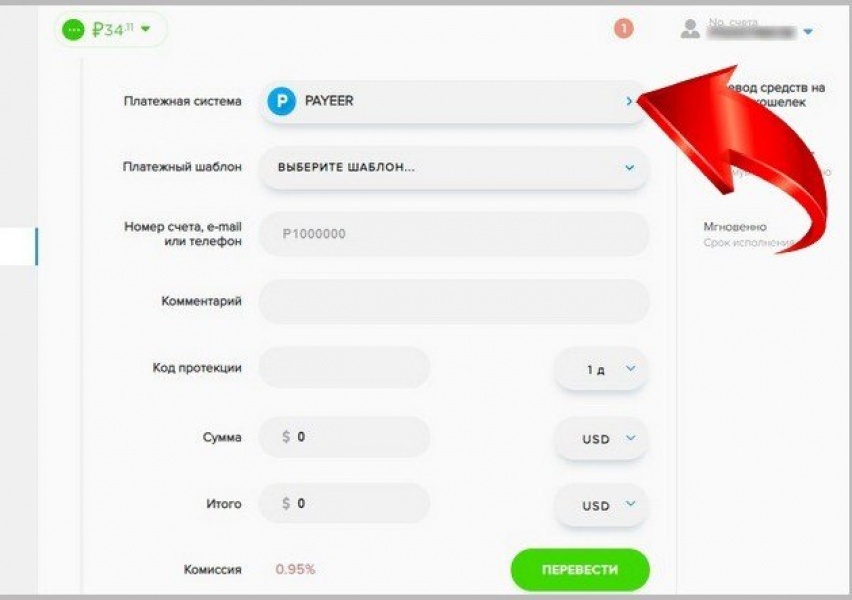
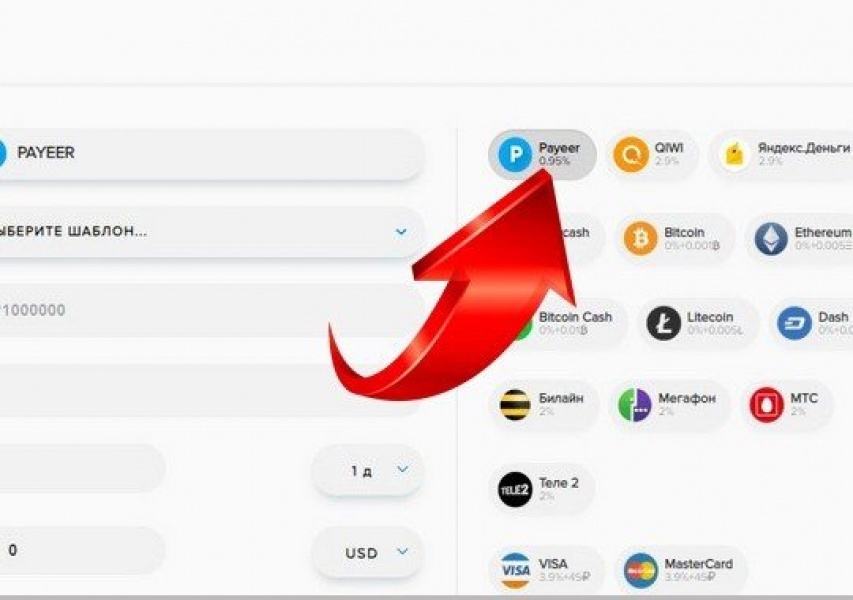
In this application the transfer to the wallet of the payment system Payeеr is set by default.

If there is another one in the settings, then in this line click the arrow to open the list. All possible directions for money transfer will be presented here. Choose the necessary name of an electronic wallet.


Then enter the account number, to which the funds will be sent.


Be sure to include this number ==>  P1025527570 


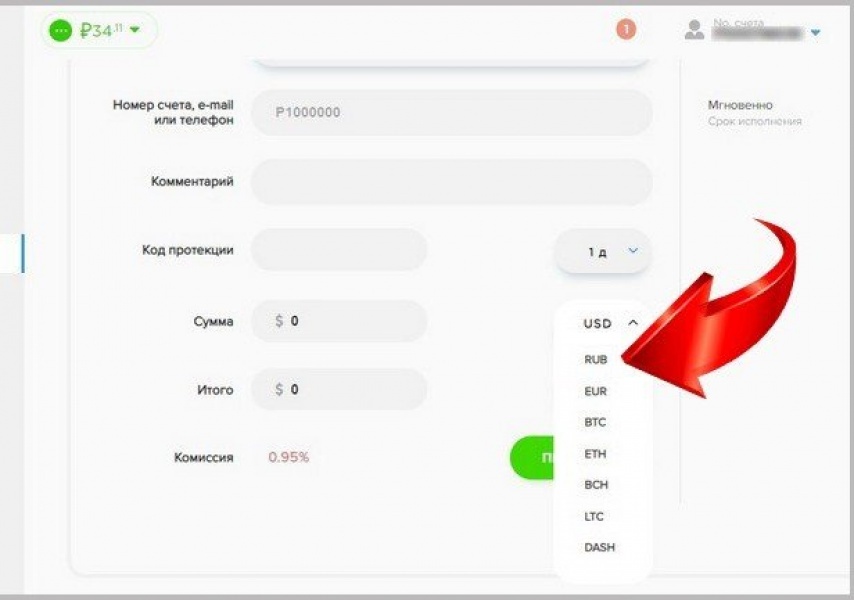
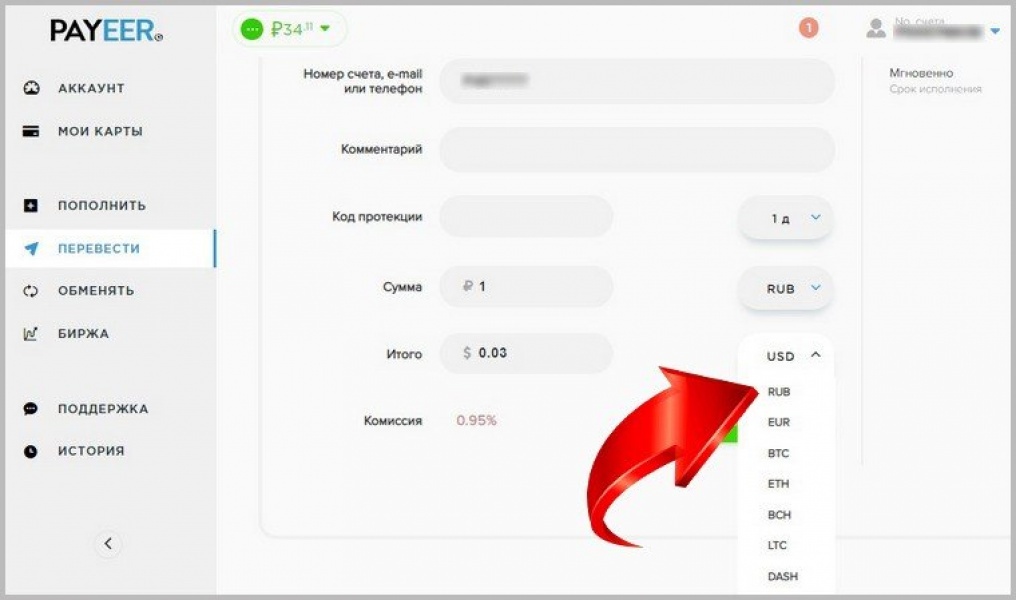
After that, the currency is selected opposite the "Amount" item. For example, if it is Rubles, click the "RUB" item in the list.

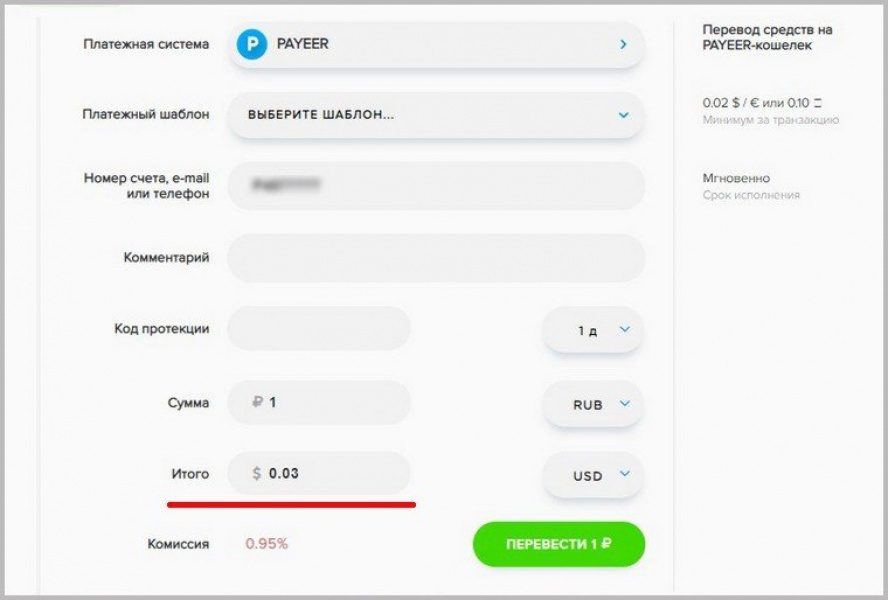
Now you can see that the amount is specified in rubles, and in the line "Total" are dollars. If you leave everything as is and click on the "Transfer" button immediately, then these funds will have to be written off from the Payeer dollar account.

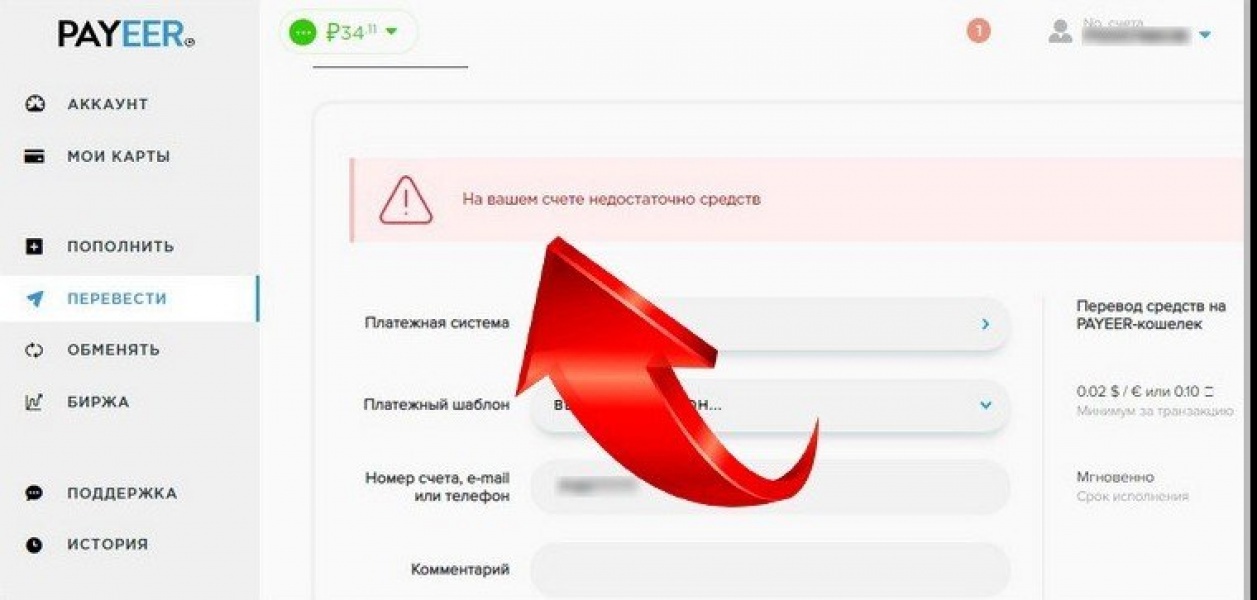
But when it is empty, the system will tell you that there are not enough funds in your account, even when there is money in your ruble wallet.

Therefore, in the line "Total" you should also open the list of currencies and set "USD".

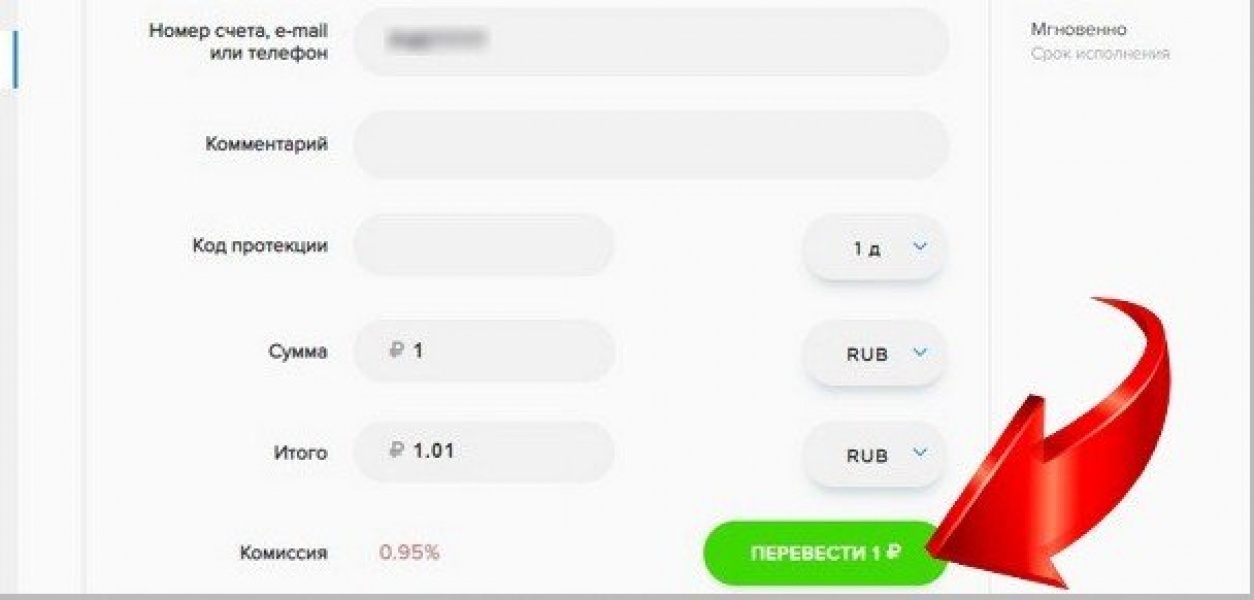
After that you can click on the "Translate" button.

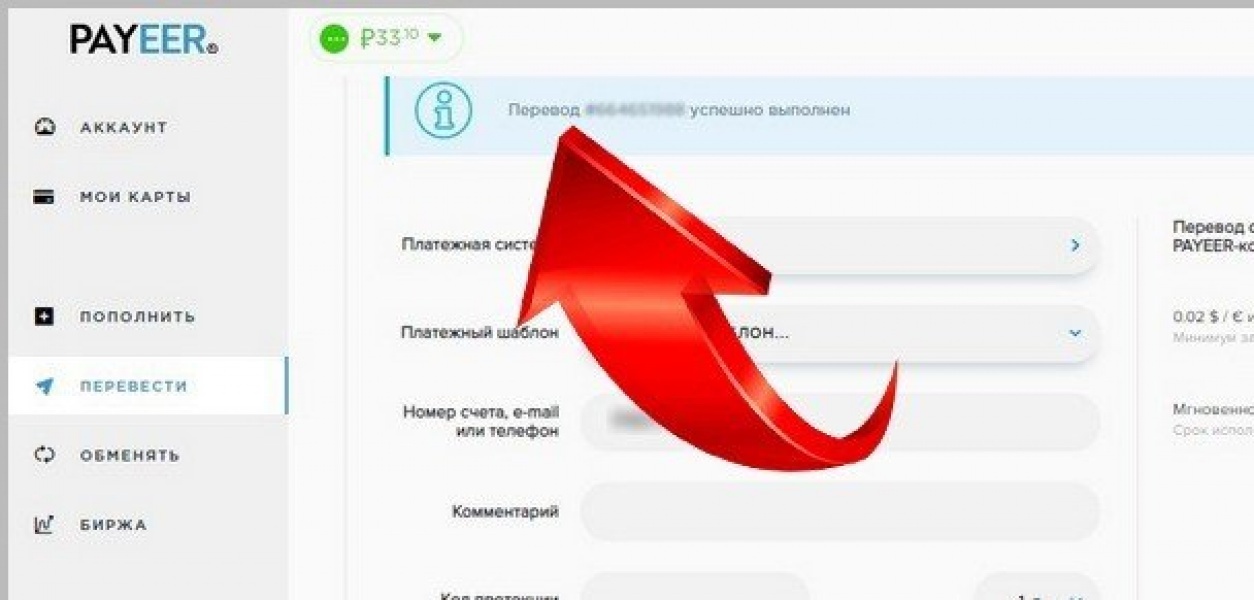
If the payment has been made, then a message will appear on the screen above the request form that the transfer has been successfully completed.


After the transfer, be sure to email our support team. liza@espressorussian.ru  or Facebook message from the date of payment for your email to which you send access to lessons.


If you are unable to make a translation for any reason, please write to this postal service we will help you:  liza@espressorussian.ru

https://kak-popolnit.ru/perevod-deneg-na-paypal-drugomu/